Refunds and Cancelled Orders
OVER-THE-COUNTER REFUNDS
Most of the time this is a credit card transaction but in the event that it is cash, the customer will have to be given cash back or paid back by Venmo. We have done this both ways.
Credit card refund: Log into https://secure.ebizcharge.com/ gateway. At the dashboard go into batches / batch manager and at that point you will have to search for the date of the transaction under batch history. The transaction will always be a day later than the actual transaction.
Screenshots:
1. Gateway Dashboard 
2. Dashboard after choosing Batch Manager 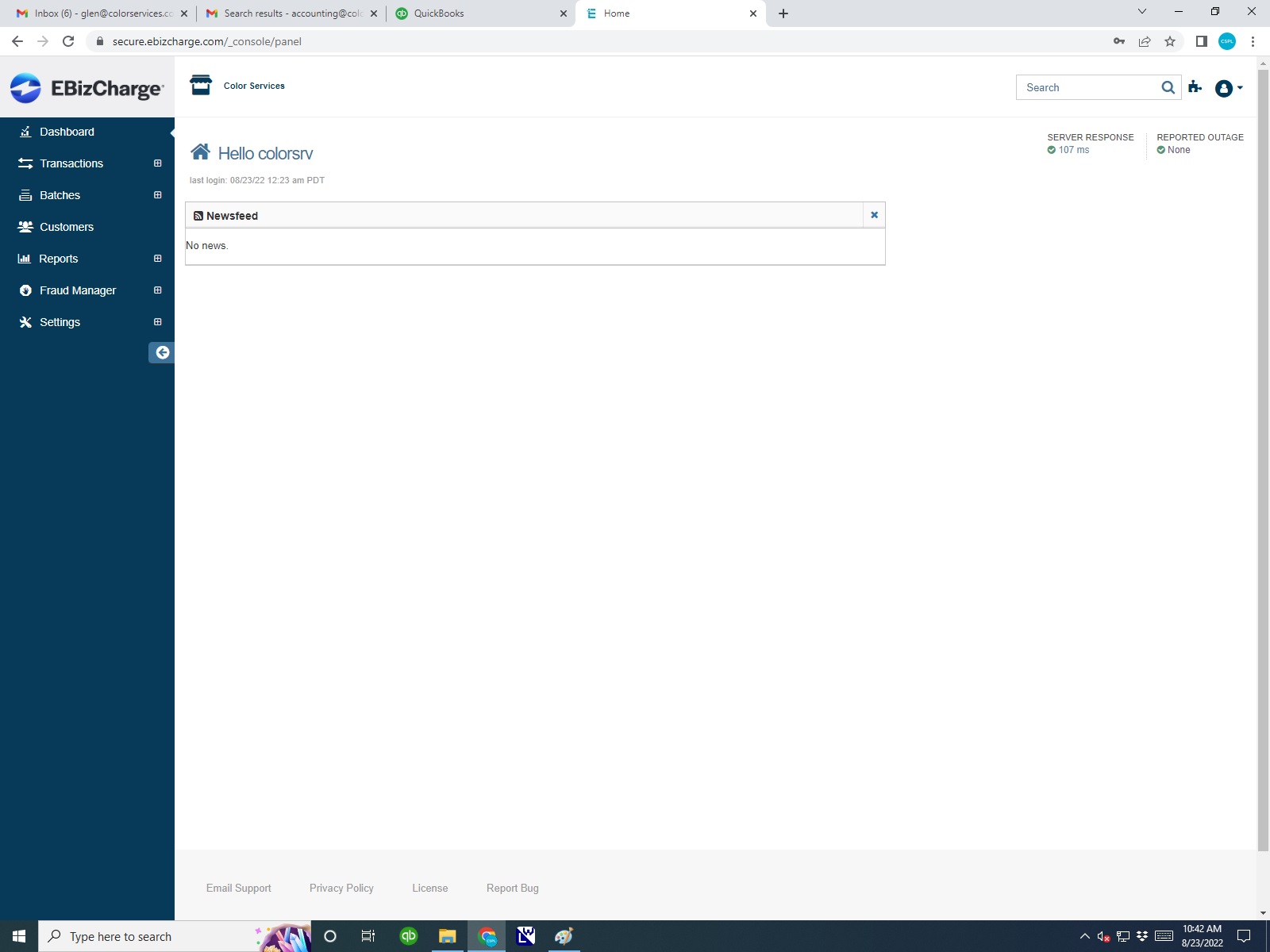
3. Dashboard after choosing Batch History
4. Dashboard after Finding Customer Transaction
Note: all Apple Pay transactions at this point will not show the customer name. You will have to search by the amount. Once locating the transaction,choose the customer transaction and you should see #4 dashboard view. Choose a quick refund in the upper right corner. Enter a negative amount and check to be sure that no tax is added to the refund. Normally it doesn't add tax but sometimes it will which increases the amount of the refund.
DAKIS/WEBSITE REFUNDS
DAKIS/WEBSITE PAYPAL REFUNDS